
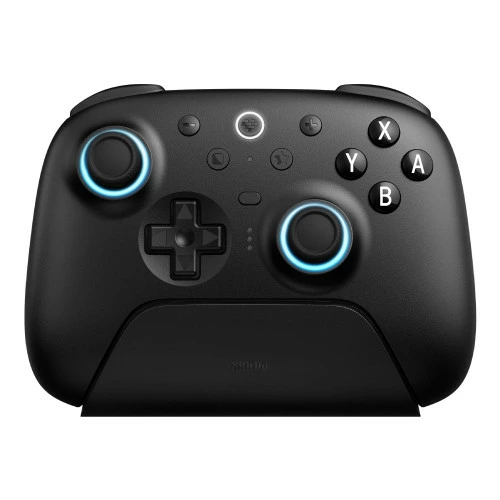
概要
Switch2に対応した8BitDoのUltimate 2 Bluetooth Controllerが 普通に接続するだけではスリープ解除してくれなかったので、スリープ解除できるようにするメモ
ファームウェアアップデート
公式サイト↓にアクセスし、8BitDo Ultimate Software V2をダウンロードする

Ultimate Software V2 – 8BitDo
The newly designed 82 is a one-stop solution for your 8BitDo…
app.8bitdo.com
USBケーブルでUltimate 2 Bluetooth ControllerをPCと接続し、8BitDo Ultimate Software V2を起動してファームウェアアップデートを行う。
Switch2との接続
Ultimate 2 Bluetooth Controllerを接続待機状態にする
右ジョイコンのホームボタンでSwitch2を起動する(ここが重要)。
その後、右ジョイコンで操作を続け、Switch2ホーム画面のコントローラーからコントローラーを探すを選択するとUltimate 2 Bluetooth ControllerとSwitch2の接続が完了する。
スリープ解除方法
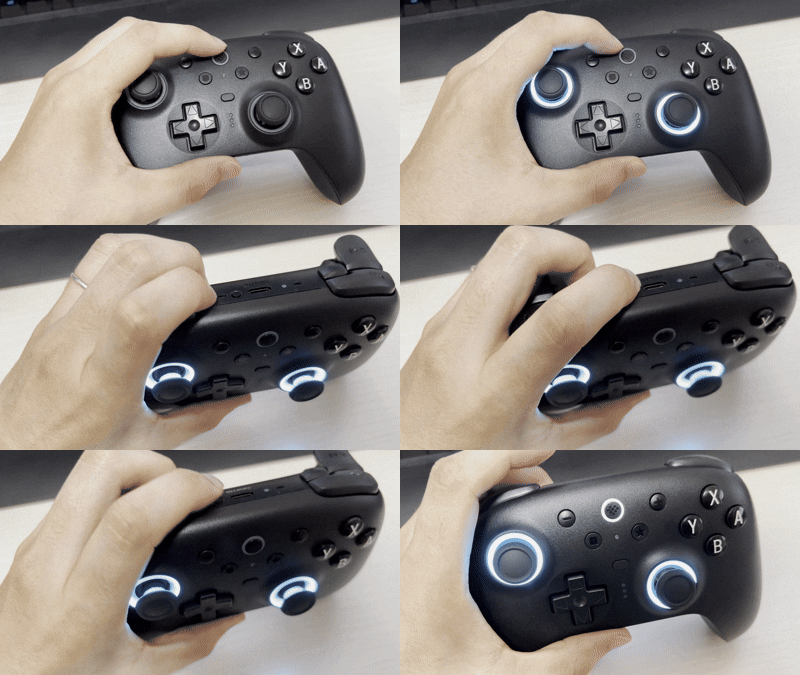
Ultimate 2 Bluetooth Controllerのホームボタンを押し、ホームボタンが点滅している状態でUltimate 2 Bluetooth Controller本体を振ればOK。

コメント